
The Industry Standard for Almost Every Embedded Platform
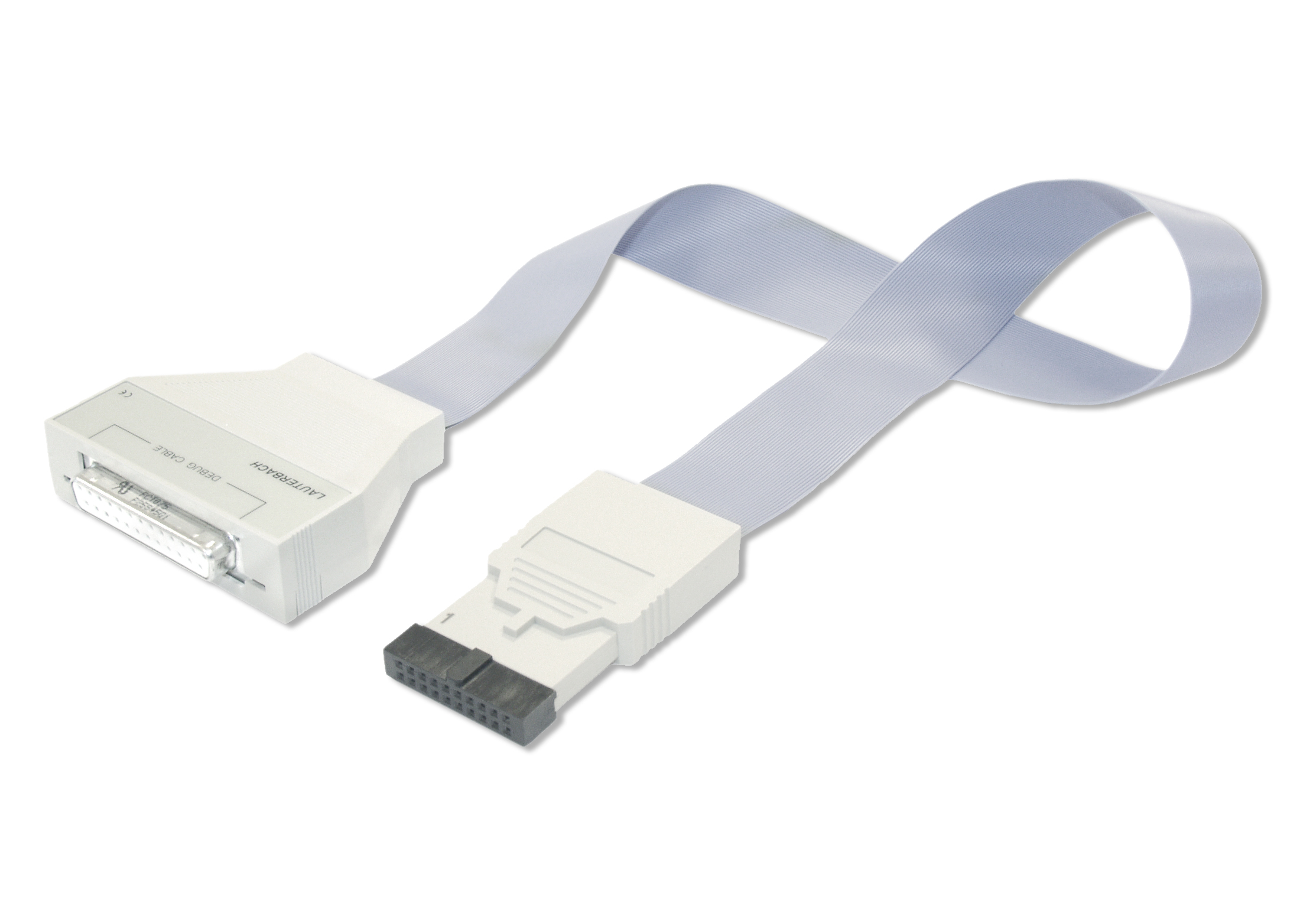
The IDC20A debug probe was originally designed to debug SoCs with an Arm® CoreSight™ debug infrastructure. Due to the enormous success of the Arm architecture, this debug concept became the de-facto debug standard for multicore systems in the embedded market.
Today the IDC20A debug probe supports various of architectures and protocols to debug SoCs with and without CoreSight™ and is Lauterbach’s most successful debug probe.
Arm/Cortex
AndesCore
APEX
APS3
ARC
AVR8
ARP32
Beyond
C166SV2
C2000
C5000
C6000
C7000
CEVA-X
HC11
Hexagon
i8051
M32R
Meta
Mico32
MicroBlaze
NIOS-II
PRU
RISC-V
SDMA
SH
SRP
StarCore
STM8
STRED
Synopsys-ASIP
Teak/TeakLite
Ubicom32
Xtensa
ZSP
78k
Get the IDC20A Probe for Your Architecture
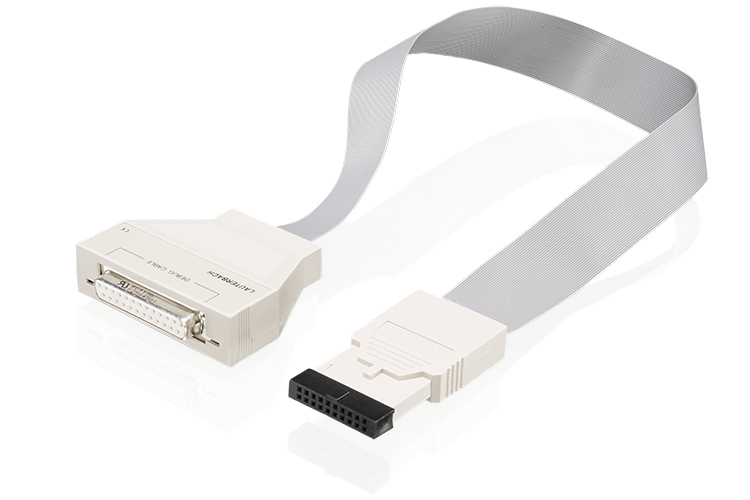
IDC20A debug probe with debug license to debug Cortex-M cores (Armv6/7/8-M) and SecurCore SC000/SC300, via JTAG, cJTAG (IEEE 1149.7), or Serial Wire Debug (SWD). Includes licenses to debug and trace Cortex-M cores and SecurCore SC000/SC300. Includes licenses to debug GTM and IPU. Includes TRACE32 software for Windows, Linux and macOS on DVD or via download. Requires a PowerDebug base module. Allows to capture one-pin SWV trace via an SWO pin when plugged to a PowerDebug X51/X50/E50/E40/PRO. With legacy debug modules LA-7702/LA-7704 only JTAG is supported. Voltage range 0.4V to 5.0V.
IDC20A debug probe for 64-bit RISC-V cores (RV64) usable with a PowerDebug base module supporting JTAG, cJTAG and Serial Wire Debug Port (0.4 - 5.0V). Includes license for multicore debugging. Includes TRACE32 software for Windows, Linux and macOS on DVD or via download. Requires TRACE32 software R.2020.09 or newer. Requires a PowerDebug base module. A range of converters are available to adapt to different target connectors (including MIPI pinouts).
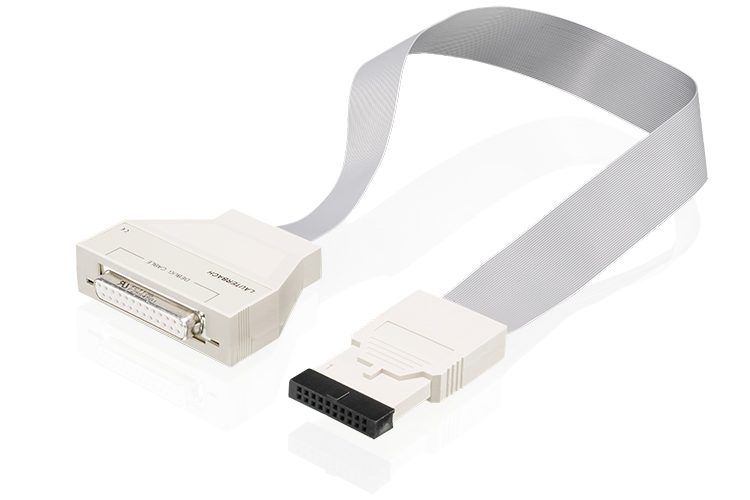
supports Xtensa Cores from Tensilica via an ARM JTAG interface core trace decoding for TRAX (Trace RAM within core logic) included includes software for Windows, Linux and MacOSX requires Power Debug Module IDC20A debug cable requires LA-3763 if 14 pin JTAG (Xtensa) connector is used
Supports Xtensa Cores from Tensilica via an ARM JTAG interface Core trace decoding for TRAX (Trace RAM within core logic) included IDC20A debug cable, which supports 5-pin standard JTAG, cJTAG (IEEE 1149.7) and serial Wire Debug (SWD), (0.4V - 5V) Includes software for Windows, Linux and macOS Requires PowerDebug module Requires LA-3763 if 14 pin JTAG (Xtensa) connector is used
IDC20A debug probe for 32-bit ARC cores from Synopsys inlcuding ARC EM, ARC HS3x/4x, ARC EV/VPX/NPX, ARC 600/700, ARCtangent-A4/A5 usable with a PowerDebug base module supporting JTAG, cJTAG and Serial Wire Debug Port (0.4 - 5.0V). Includes TRACE32 software for Windows, Linux and macOS on DVD or via download. Requires a PowerDebug base module. For ARC-V you require a RISC-V probe instead (LA-3200 or LA-3201).
IDC20A debug probe for Hexagon DSPs and NPUs from Qualcomm usable with a PowerDebug base module supporting JTAG, cJTAG (IEEE 1149.7) and Serial Wire Debug Port (SWD). Voltage range 0.4V to 5.0V. Includes license for multicore debugging and trace decoding. Includes TRACE32 software for Windows, Linux and macOS on DVD or via download. Requires a PowerDebug base module.
IDC20A debug probe with a license for debugging of C28x and C29x microcontrollers via JTAG, cJTAG (IEEE 1149.7), or Serial Wire Debug (SWD). Includes licenses to debug Control Law Accelerator (CLA). Includes licenses for onchip trace "PC Trace". ("PC Trace" supports up to 128 program branches.) Includes TRACE32 software for Windows, Linux and macOS on DVD or via download. Requires a PowerDebug base module. Requires LA-3780 if you need to adapt to a TI-14 or TI-20-Compact target header. Voltage range 0.4V to 5.0V.
Supports C6xxx. Uses IDC20A debug cable, which supports 5-pin standard JTAG, cJTAG (IEEE 1149.7) and Serial Wire Debug (SWD), (0.4V - 5V) Includes software for Windows, Linux and macOS. Requires PowerDebug base module. Requires LA-7748 if 14 pin TI target adapter is used.
Supports C7000. Uses IDC20A debug cable, which supports 5-pin standard JTAG, cJTAG (IEEE 1149.7) and Serial Wire Debug (SWD), (0.4V - 5V) Includes software for Windows, Linux and macOS. Requires PowerDebug base module. Requires LA-7748 if 14 pin TI target adapter is used.
Connect to Every Target
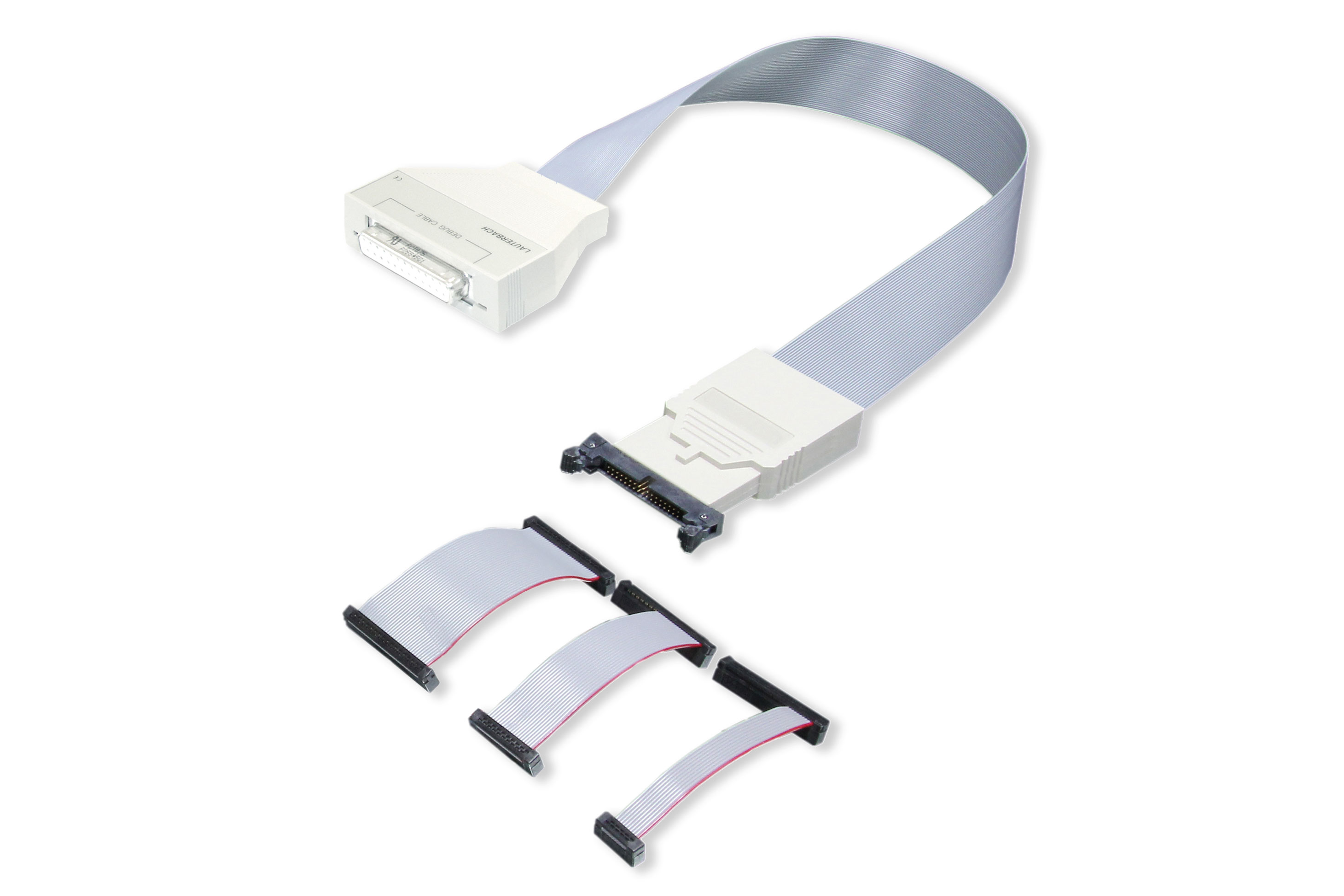
There are many different connectors used in embedded applications. We do have a wide range of converters to adapt to the corresponding connector used.
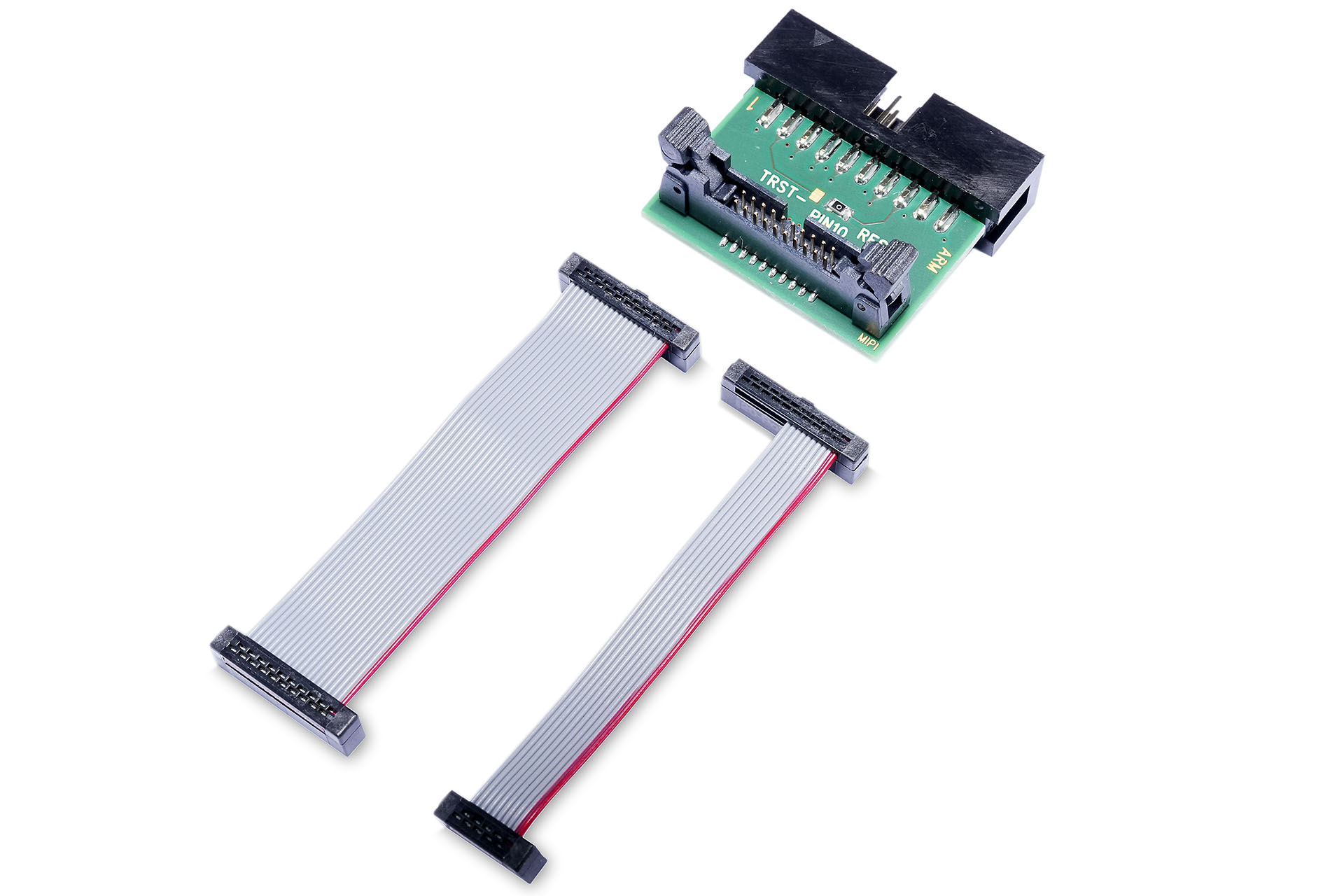
Converter from an IDC20A debug connector to a MIPI10 or MIPI20T connector. It is designed to connect the Lauterbach IDC20A Debug Probe to a MIPI10 or MIPI20T connector on the target. For a board with a MIPI20D connector (with TRST and RTCK) you require converter LA-3770 instead. Find out about the difference between the two converters at https://support.lauterbach.com/kb/articles/la-2729-vs-la-3770 Note: This converter does not connect the trace pins of a CoreSight MIPI20T connector since they are not used by IDC20A debug cables. Whereas tracing via SWO/SWV is supported.
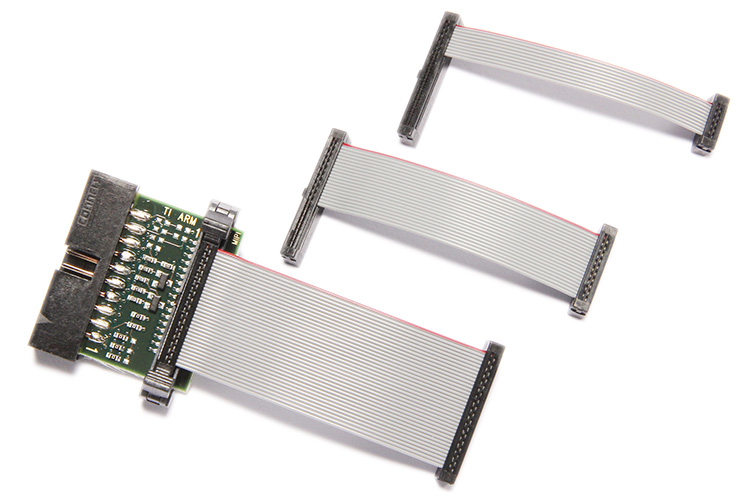
Converter to connect an IDC20A debug cable to a target with MIPI34, MIPI20D, or MIPI10 connector. For connecting an IDC20A debug cable on a PowerTrace Serial use the converter LA-2770 instead. (LA-2770 is for a MIPI34 connector with pin 1 on the right sight, while LA-3770 expects pin 1 on the left side at the target.) For a board with a MIPI20T connector (with pins for off-chip trace) it is recommended to use the LA-2729 converter instead to avoid driver conflicts. Find out about the difference between the two converters at https://support.lauterbach.com/kb/articles/la-2729-vs-la-3770 Alternatively, you can connect to a board with MIPI20T connector by opening J101 and J102 on this converter to avoid driver conflicts, as described at https://repo.lauterbach.com/pdf/app_arm_target_interface.pdf
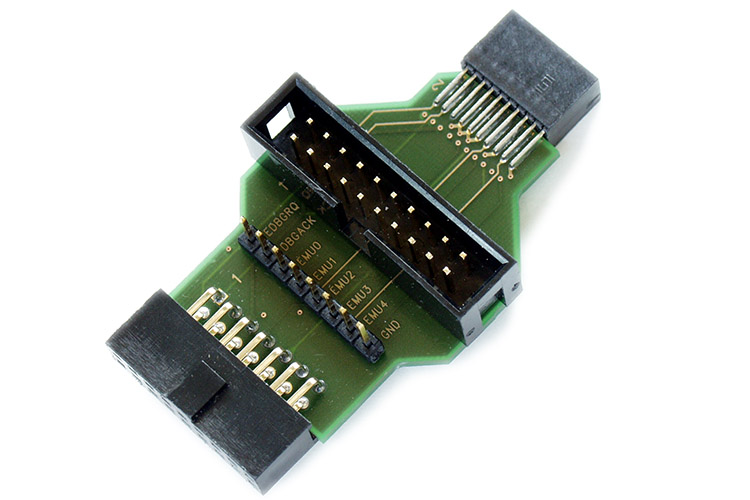
Converter to connect a Debug Cable to a TI-14 or TI-20-Compact connector which is used on many targets with processors from Texas Instruments
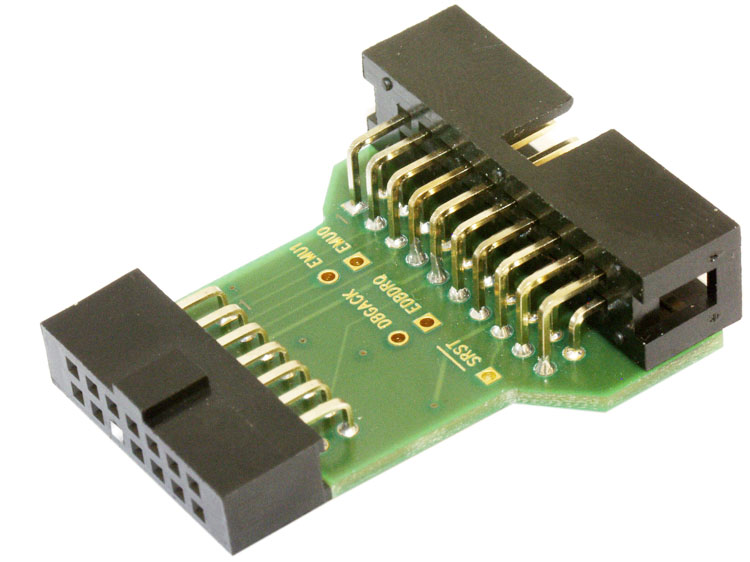
Converter to connect an IDC20A Debug Cable to a TI-14 connector which is used on many targets with processors from Texas Instruments
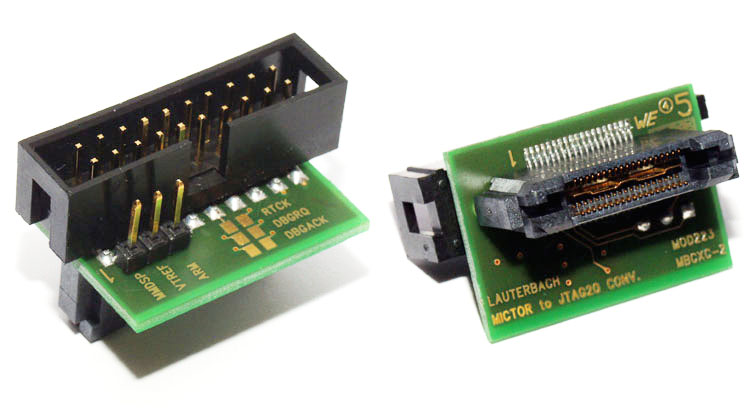
Converter to connect the IDC20A Debug Cable to a Mictor connector on the target providing both debug and trace signals. This is needed if you want to connect the Debug Cable without a Preprocessor and if there is only a Mictor on the target.
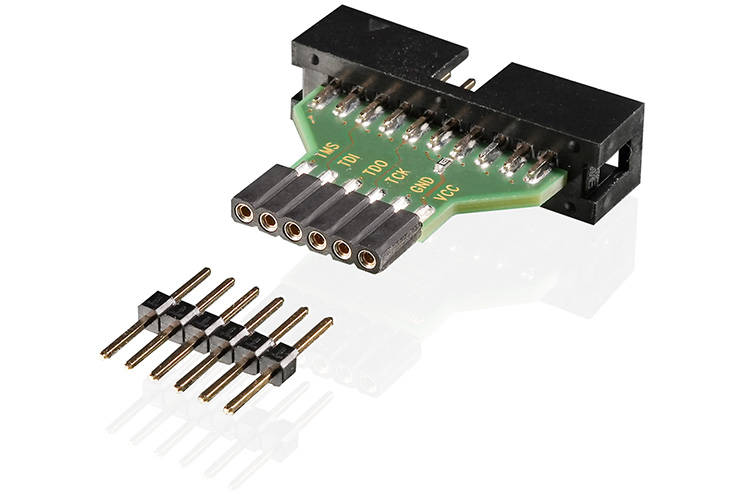
Converter to connect an IDC20A Debug Cable to a standard 6-pin "Pmod™ " connector. “Pmod™” is a trademark of Digilent Inc.
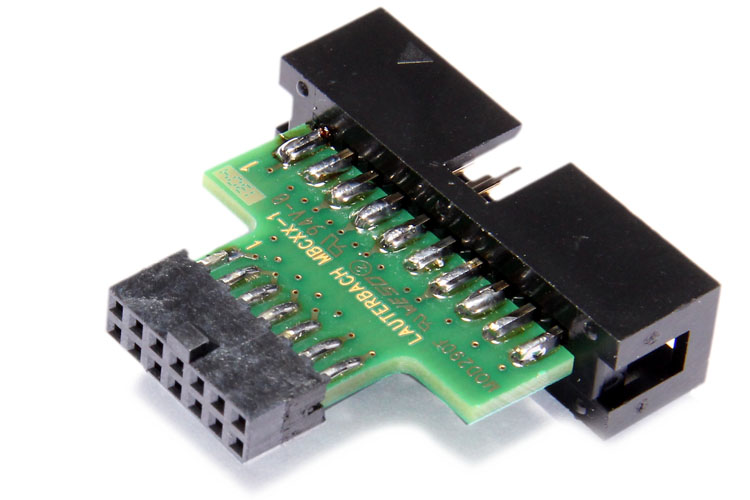
Converter to connect an IDC20A Debug Cable to a 14-pin JTAG connector on Xilinx target boards.
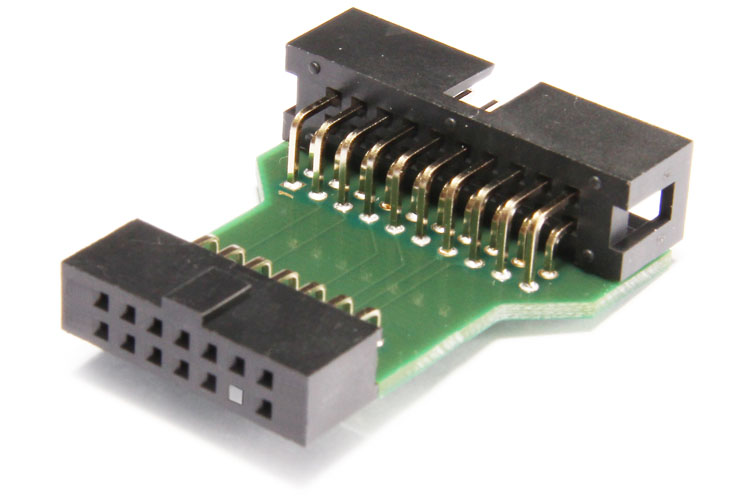
Converter to connect an IDC20A Debug Cable to a MIPS-14 connector on the target
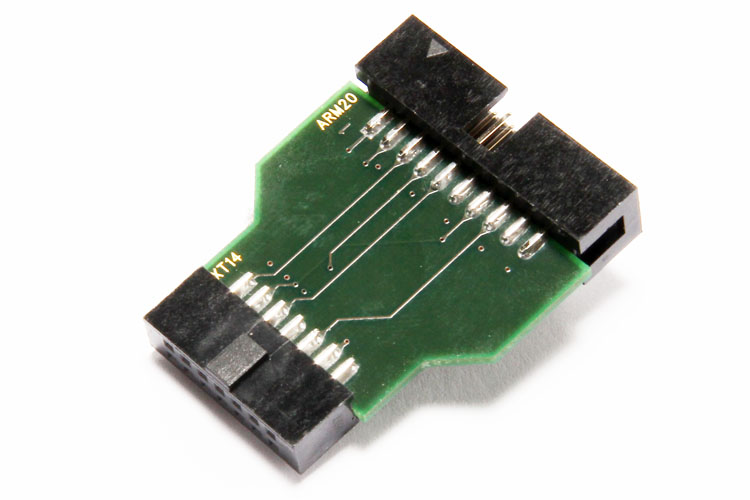
Adapter to connect an IDC20A debug probe to a classic 14 pin debug connector for Xtensa.
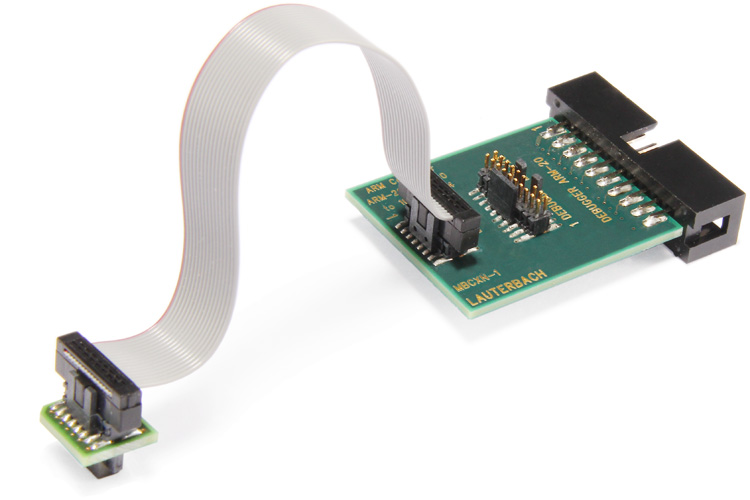
Looking For Other Debug Probes
If the IDC20A Debug Probe is not the right solution for you, we offer a various of other debug probes.